
Hello!
Using PATCHs
1: Getting Started
Tip: It's a good idea to read through this guide first, to get an initial understanding of the process and the information you may need to provide, so you can have it ready before you start...
This guide will assume that you have already created an NHS Login, which allows you to access a wide range of linked services with a single User-ID and Password. We will be using that in this guide, to access PATCHs.
Let's begin by going to
the PATCHs website:
Open PATCHs Login Page ⧉
(This will open in a new window)
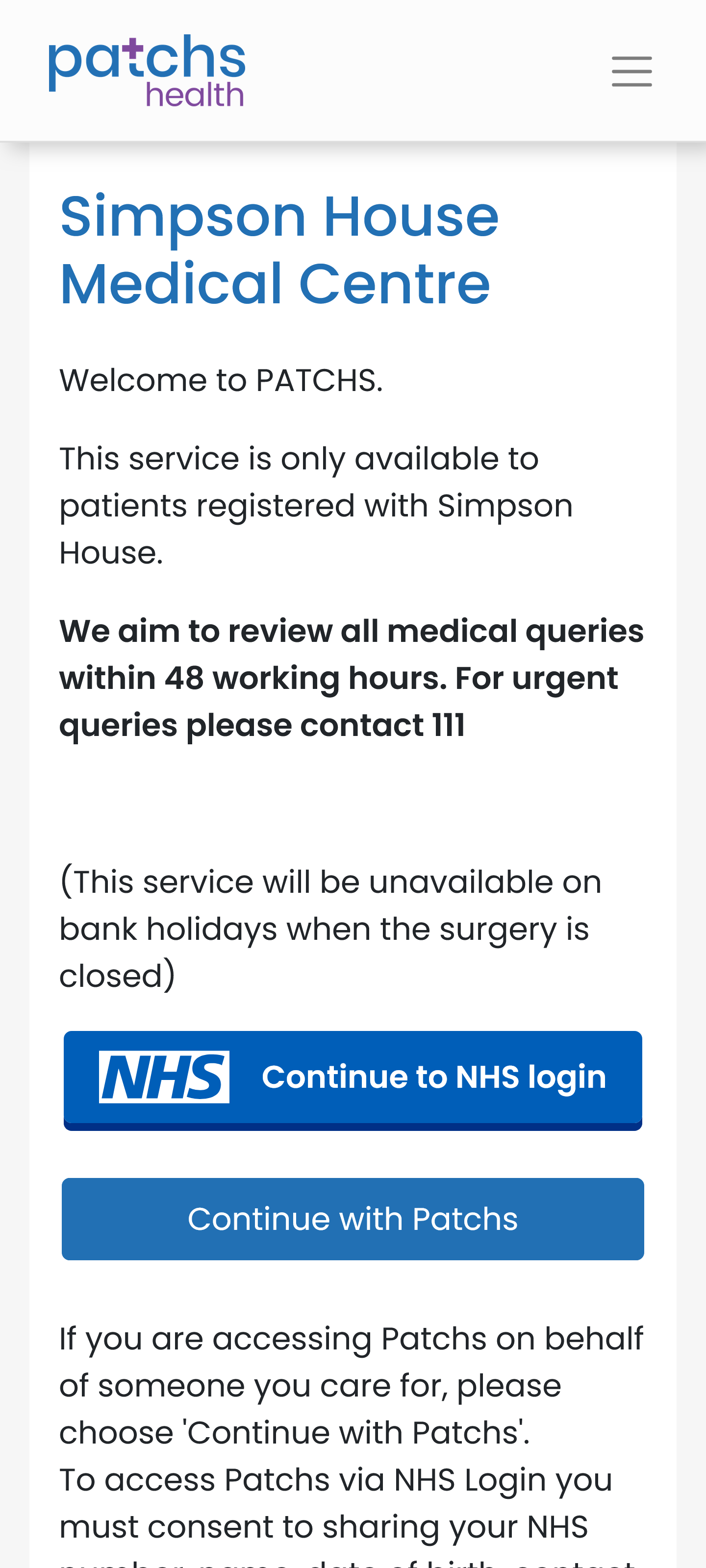
On the PATCHs login page, click/tap on "Continue to NHS login".
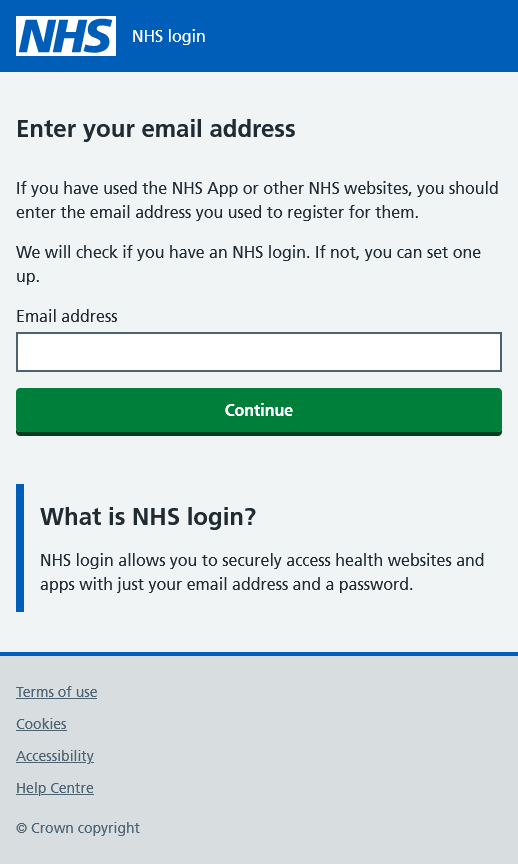
This will open the initial NHS login page. Enter the email address that you used when you created your NHS login.
The system will then check that the email address entered is associated with an NHS login.
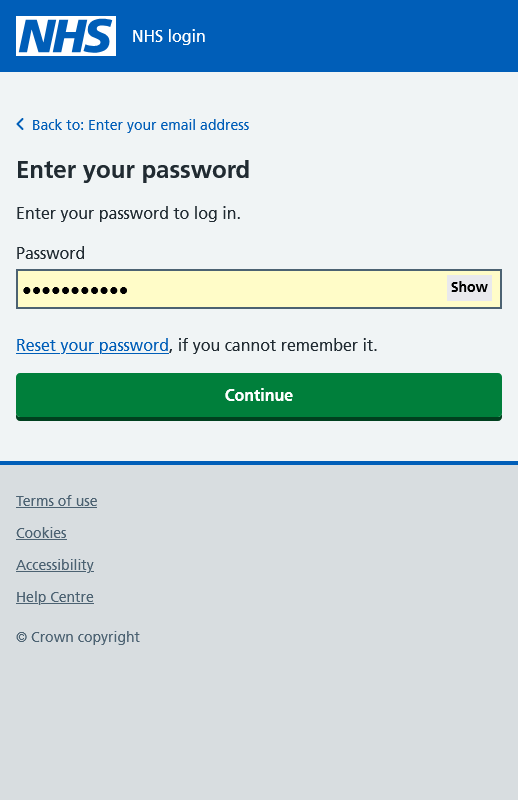
Assuming that it is, you will then be taken to the Password step of the login process...
Note: You cannot use an email address that has already been used by someone else. It must be unique to you.
Enter the password that you used when you created your NHS login. The system will then validate it.
If you have not logged-in before or this is the first time that you are logging-in from that device, you will then see a page with your partial phone number (if you have more than one number registered, then you will be able to select which to use), together with a button to send a security code to that number.
Tip: You will be sent a code via text message if using a mobile phone, but if the number is a landline, you should have a notepad and pen ready to write down the code you will hear when you answer the call.
Click/tap the button to send the security code.
A new page will appear, with a box for you to enter the security code.
You may also see a checkbox labelled "Remember this device and stop sending security codes". If you click/tap the checkbox to select it, you won't be sent any more security codes in the future whilst using the same device. This will simplify future log-ins.
Carefully enter the security code you received into the box provided and click/tap "Continue".
If all is well, the code will validate and you should then be transfered back to the PATCHs system...