
Hello!
Using PATCHs
2: New Request
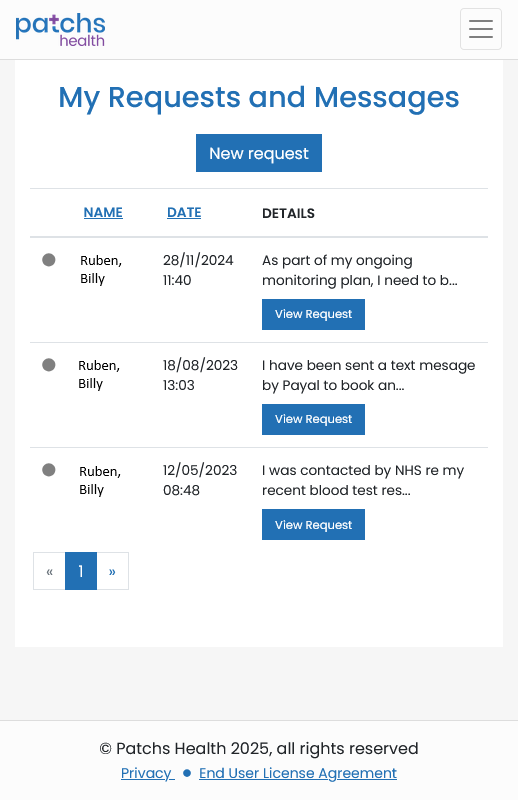
The initial page which is shown when you have first logged-in to PATCHs is "My Requests and Messages".
Here you can review your past requests and messages and check their status.
There is also a button at the top of the page you can click/tap to make a new request.
For this guide, we will be making a new request.
When you are ready, click or tap on "New Request"...
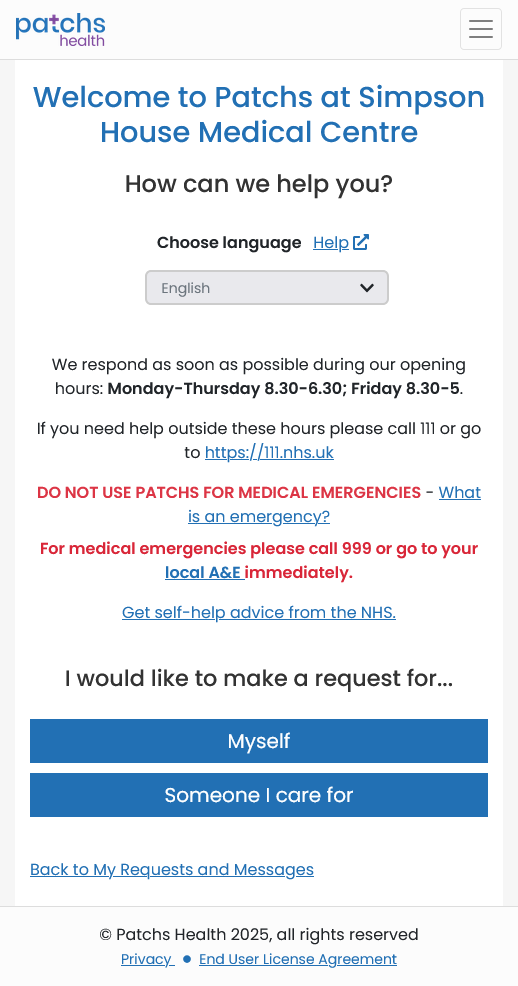
You will now see the New Request welcome page which will tell you if the system is open, or if not, when it will be open again.
Note: If you already have a PATCHs account, but with another surgery, you will see that welcome page and NOT the Simpson House one. You must transfer your existing account ⧉ to Simpson House first.
There is also a warning not to use PATCHs for an emergency situation requiring immediate medical attention.
When the system is open, you can then choose between making a new request for yourself or for someone you care for.
For this guide we will assume that you would be making a request for yourself.
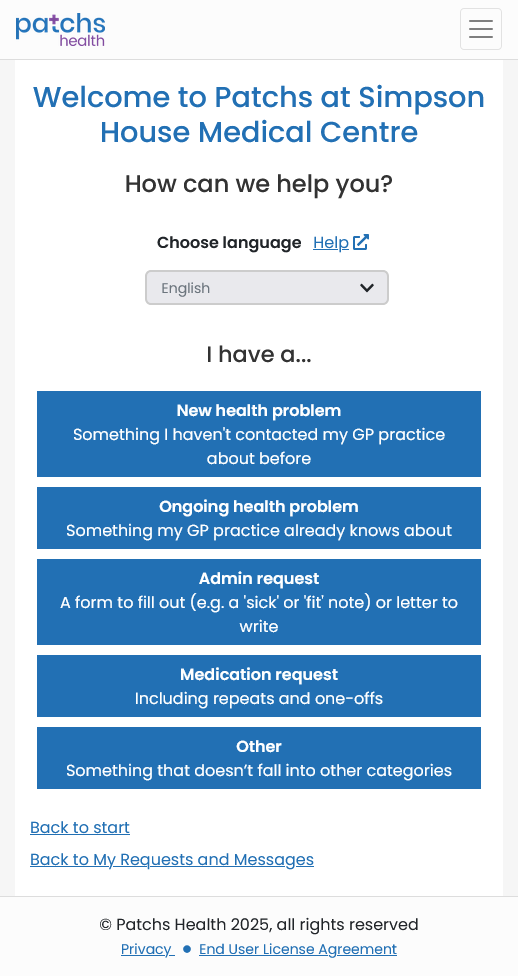
When you click/tap the "Myself" button, you will see a page with a list of request types.
Note: You will only be able to do this during PATCHs opening hours. The system is closed out-of-hours on weekdays and at weekends and on public holidays.
You can make requests for a new or ongoing Health Problem, an Admin Request, a Medication Request or something else that isn't covered by the other options, such as a vaccination request if you are going on holiday.
You will then see 2 pop-ups (see below); one asking to confirm or edit your contact details, so that you can receive messages or a call-back and another giving a list of symptoms which require emergency medical attention and for which PATCHs should NOT be used.
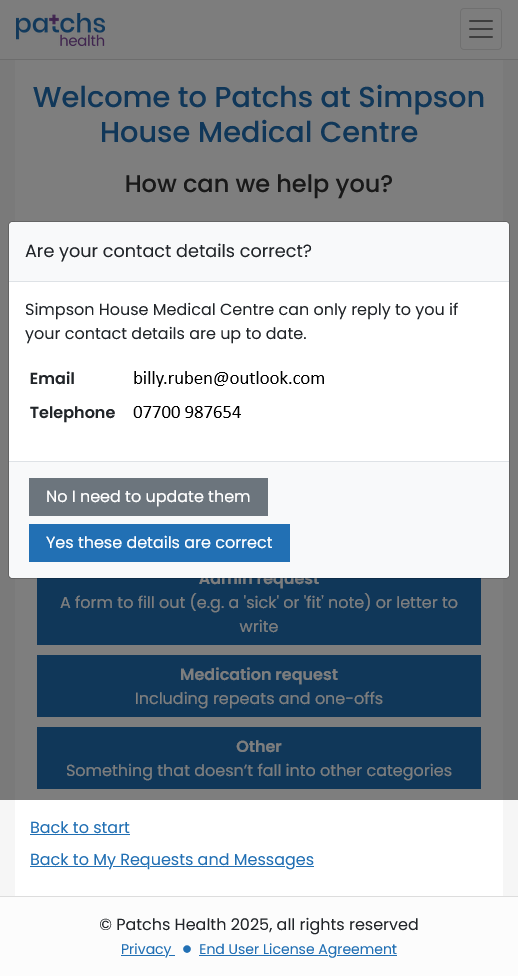
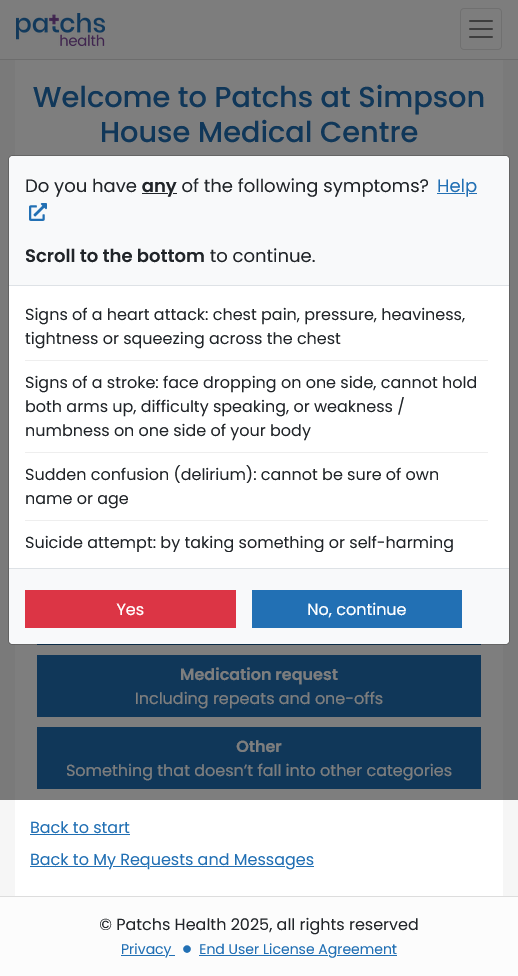
For this guide we will assume that you have confirmed your contact details, do not have a serious problem requiring emergency assistance and have chosen "New Health Problem" from the options.