
Hello!
NHS Sign-Up
1: Getting Started
Tip: It's a good idea to read through this guide first, to get an initial understanding of the process and the information you may need to provide, so that you can have everything ready before you start...
The first thing to do, if you don't have one, is to sign-up and create an NHS Login. You can then use this to access the NHS App, website and other linked services, such as PATCHs and Patient Access.
To set up an NHS login you will need:
-
an email address (with more than 6 characters) which is unique to you.
-
a personal mobile phone or a landline number
To use some services, you will also need to provide your:
-
NHS number or full name
-
date of birth
-
postcode
To access your health records or personal information you will need to provide high level proof of ID. If your mobile phone number matches the one registered with your GP, the system will use that to verify your identity. Otherwise, you will need to provide proof another way. More information ⧉
Begin the process by first accessing a linked service. Here we will use the PATCHs
website:
Open PATCHs Login Page ⧉
(This will open in a new window)
Note: You may only be able to this during PATCHs opening hours.
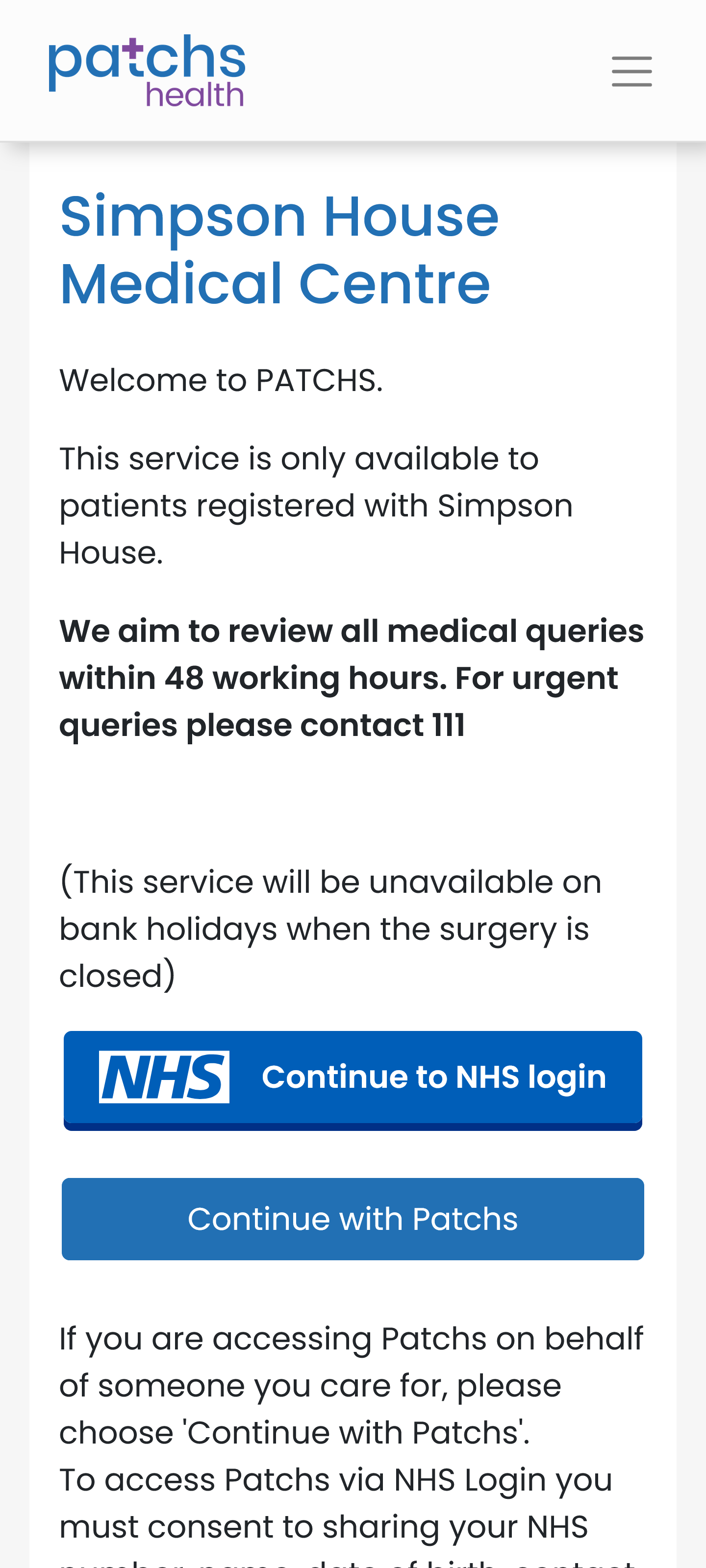
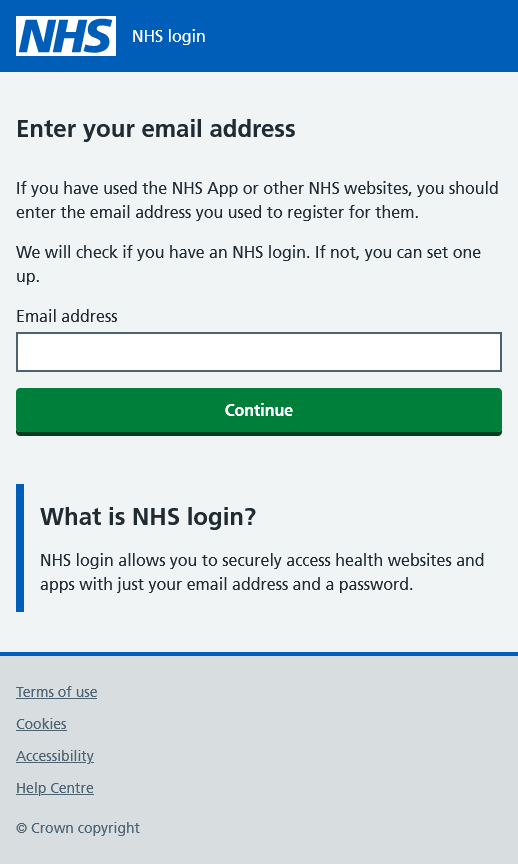
Click or tap on "Continue to NHS login" on the PATCHs Login Page. This will open the initial NHS login page. Enter the email address that you wish to use.
If you have an email address you (and only you) have already used with other NHS services, then use that. If you have never used NHS on-line services, then enter the email address that you intend to use to create your NHS login to use with the NHS App, website and linked services. As an example, we will use a ficticious patient called Billy Ruben with email address: billy.ruben@outlook.com
The system will then check that the email address has not already been used with an existing NHS login.
Assuming that it has not, you will then be taken to the first page of the account creation process...