
Hello!
NHS Sign-Up
2: Create Account
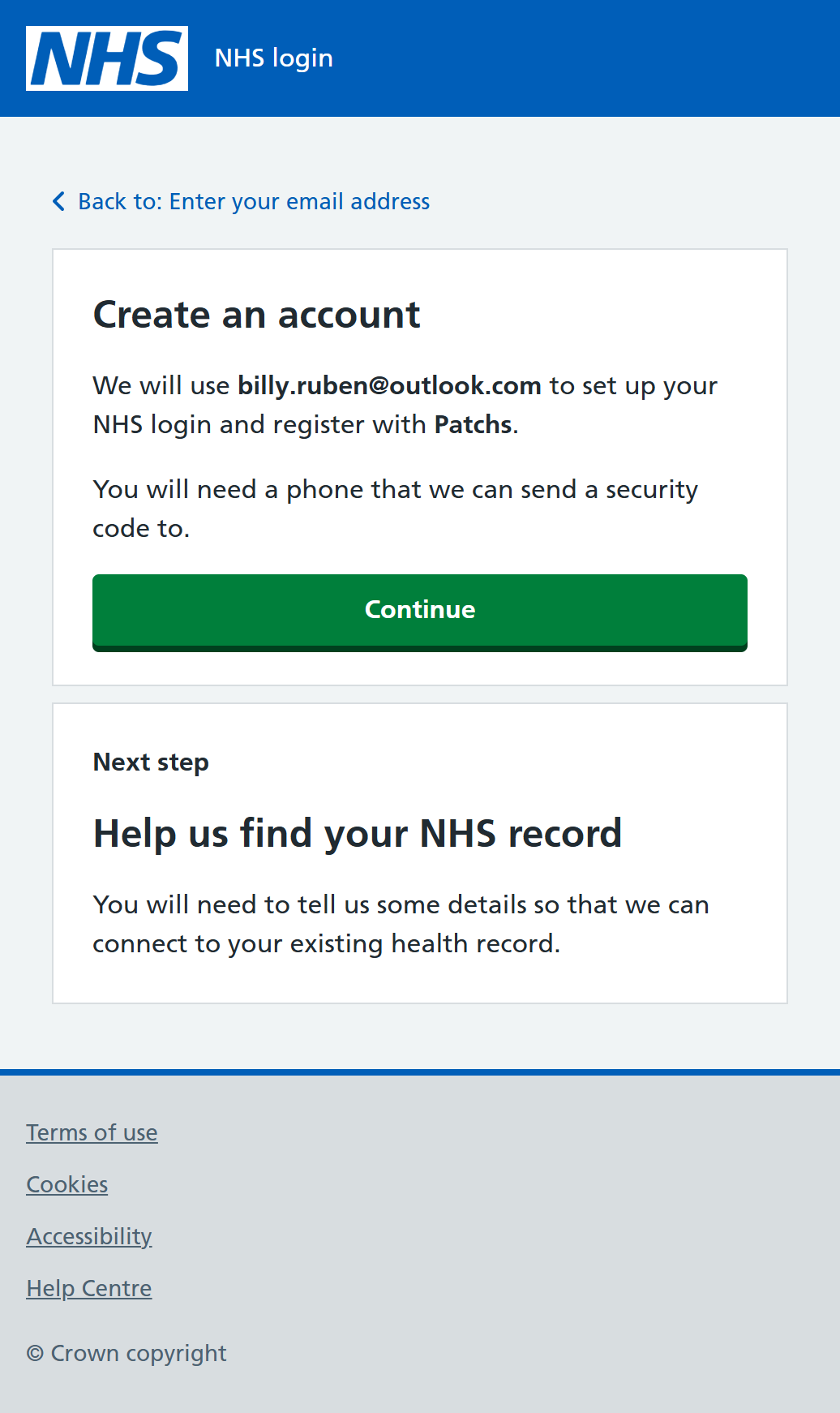
If the system doesn't have an existing NHS login associated with the email address you entered, it will then use that address to create a new NHS login account and register with the linked service - in our example, PATCHs.
You need to carefully check the email address that you entered and have your phone handy to receive a security code which will be sent as part of the next steps.
When you are ready, click or tap on "Continue"...
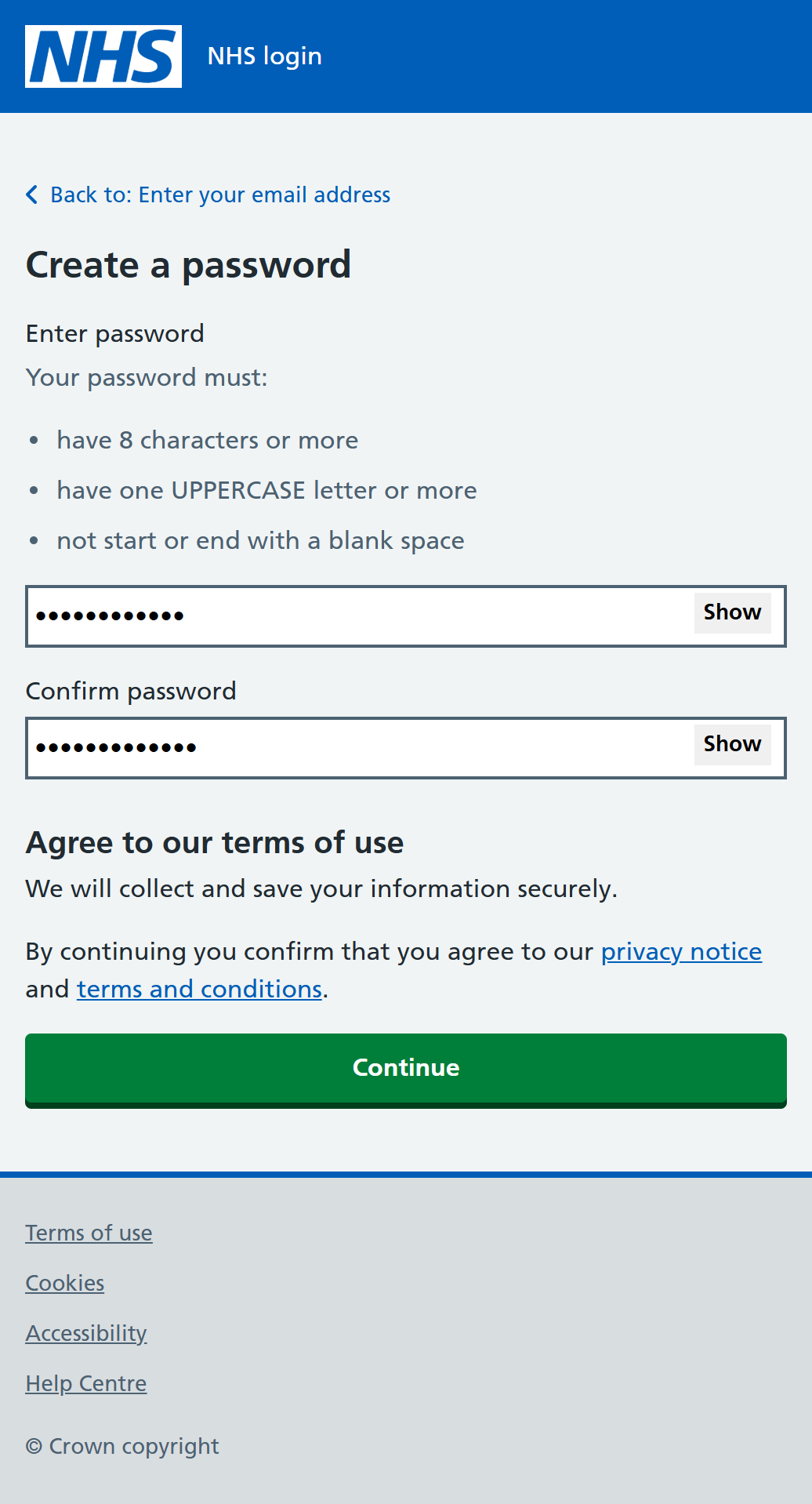
You will now be asked to create a password for your NHS login account. It must be at least 8 characters long, contain at least one UPPERCASE letter and not have a space at the start or end.
You can use any combination of letters, numbers and symbols (for example "@" or "!"). Do NOT use your name, date of birth or other easy-to-guess words (such as "password") as part of the password.
Enter the password again in the second "Confirm Password" box. Both entries must be the same.
You can view the password in each box by clicking or tapping on "Show" at the right hand end of the password boxes.
When you are happy, click or tap on "Continue"...