
Hello!
NHS Sign-Up
3: Verification
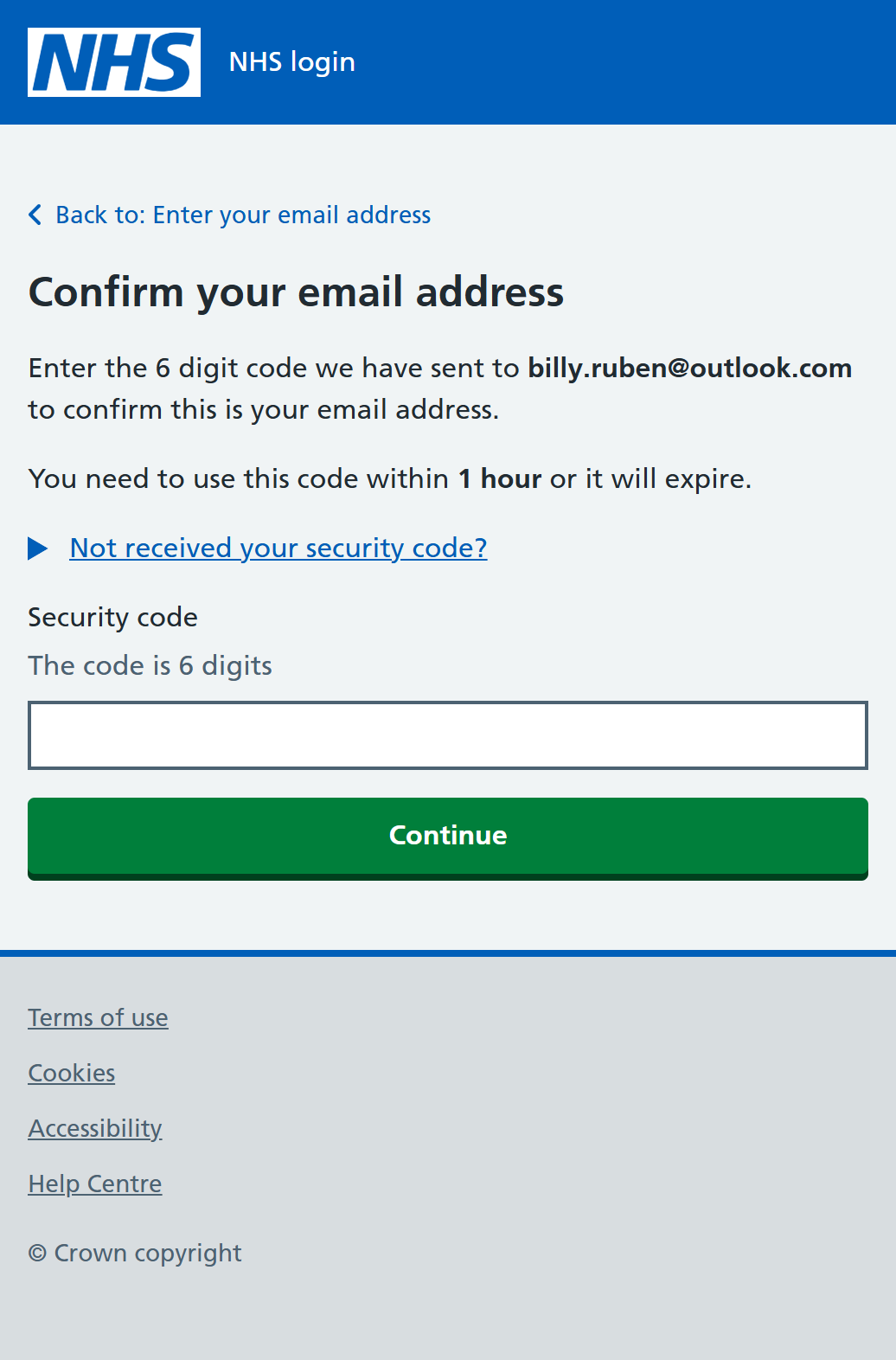
A 6 digit security code will now be sent to the email address you entered. This is to check that the email address is correct and also to confirm that you have access to that email account.
Enter the code from the email in the box provided and then click/tap "Continue"...
During the process, you will also be asked for your mobile phone number. If the phone number you supply matches the one registered with your GP, the system will use that to verify your identity. This is the recommended and much the easiest option.
Otherwise, you will be asked to provide additional ID information either in the form of a photo ID or your GP registration details. The sign-up process will then be slightly different depending upon which option you decide to use.
Proving Who You Are...
Additional Information
You Can Provide
If the system cannot confirm your identity from your mobile phone number, you can provide any one of the following alternative items, which all include a photo of your face.
You can use a:
-
Passport
-
UK driving licence (full or provisional)
-
Biometric Residence Permit (BRP)
-
UK Residence Card, or EEA Biometric Residence Card (BRC) (including temporary pass)
-
European driving licence (full)
-
European national identity card
You will be asked to:
-
take a photo of your ID
-
record your face using your device camera
-
enter your NHS number, if you know it
You will be asked to record your face so that the system can compare it to your photo ID and prove who you are. You may also be asked for more details to help find your NHS record, such as your date of birth or postcode.
If you cannot provide a valid photo ID, you can instead use your patient registration details from your GP surgery.
These are:
-
a Linkage Key (also known as Passphrase)
-
an ODS Code (also known as Organisation Code or Surgery ID)
-
an Account ID
You will need to ask your GP Surgery for these details. You may have to fill-in a request form at your GP before you can get them.
Tip: If you now know that you will need them, you should get your photo ID or registration details ready BEFORE you start the process to create your NHS login or you may not be able to complete the sign-up steps.
Note: The registration details are not the same as the email address and password you (will) use to log in.
More information on proving who you are can be found on this NHS Login Help Page ⧉
Once your ID is confirmed, you will be returned to the linked service you originally used to access the NHS login process, in this case, PATCHs.